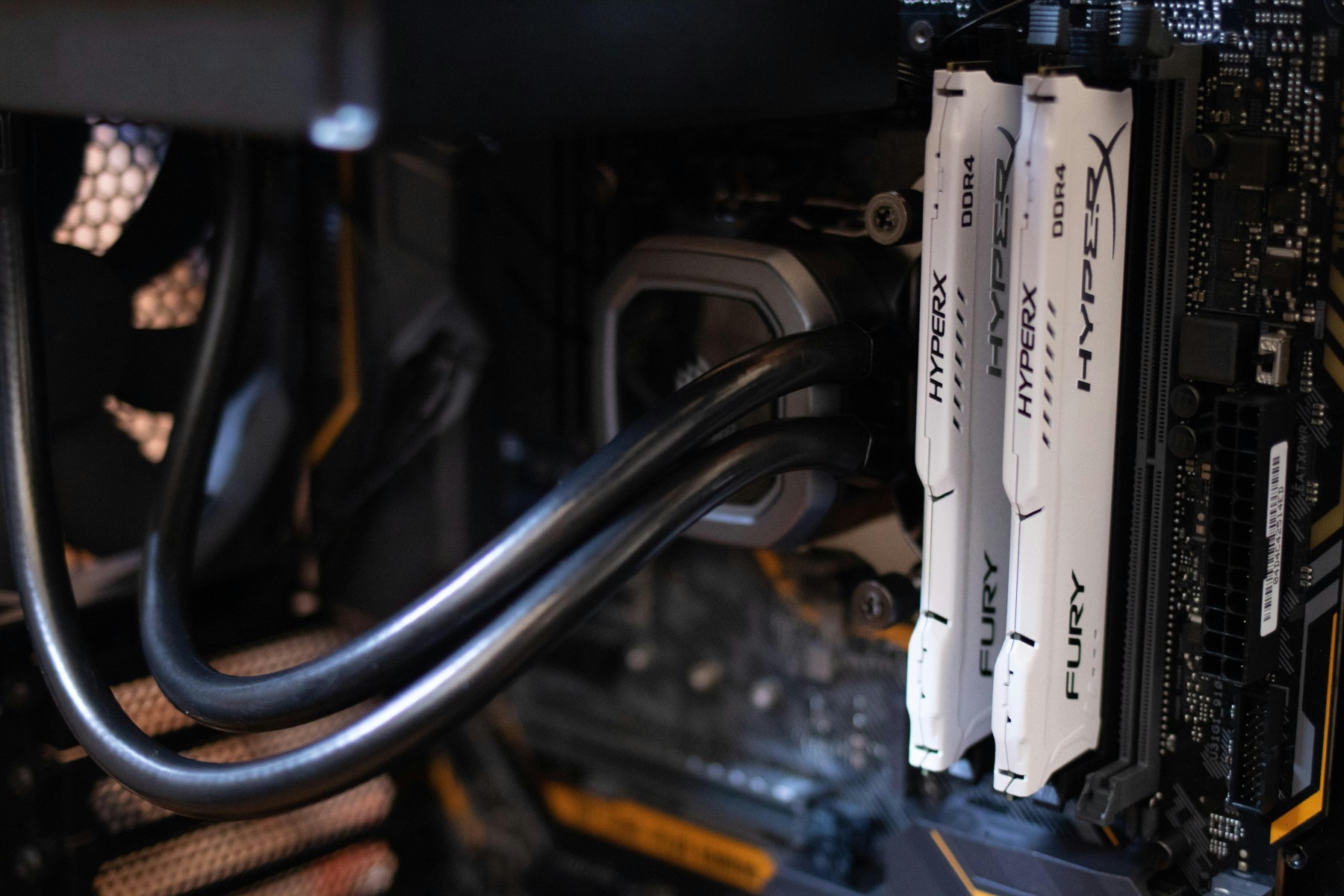
Official system requirements show the difference between bare minimums and what’s actually recommended for smooth performance:
- Minimum:
- RAM: 8 GB (Android Studio alone), but if you’re running the emulator, you’ll need 16 GB
- CPU: 64-bit Intel (2nd Gen or newer) or AMD Ryzen with virtualization support
- Storage: At least 8 GB free, but SSD is strongly recommended (16 GB+ for emulator workloads)
- Display: Minimum 1280×800; 1920×1080 is ideal
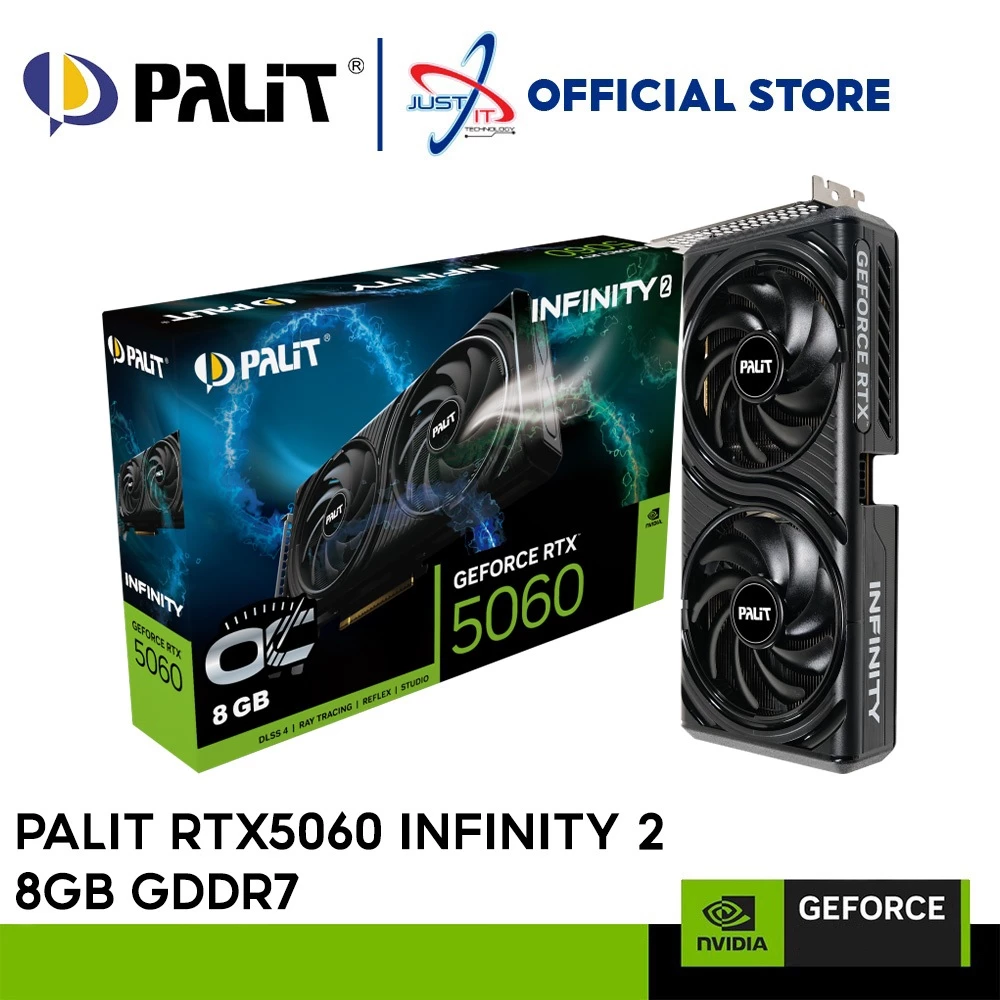
- GPU (for emulator): A GPU with ~4 GB VRAM helps; recommended is even higher (8 GB)
Community experience confirms what professionals say:
“With 8 GB, once you have Android Studio and a few Chrome tabs open, you’ve taken them all. … 16GB is a reasonable start …”
— Developer, Reddit“I ran Android Studio in 8 GB for years but … I upgraded to 16 gigs … days later … even that isn’t enough for this sucker.”
— Reddit user
Bottom line:
- 8 GB RAM is just barely enough for simple projects (and often frustrating).
- 16 GB RAM is the sweet spot—allows Android Studio, emulator, IDE plugins, and browser tabs to run smoothly.
- SSD storage is a must, and a multi-core CPU with virtualization support is highly recommended.
Recommended Entry-Level Laptops (2025)
Here are some budget-friendly options well-suited for Android development:
- HP 15s (Intel i3 12th Gen) – Affordable, SSD-equipped starter option
- Dell Inspiron 14 or 15 (Ryzen 5 5500U or i3/i5 variants) – Solid performance, brand reliability, SSD, Linux friendly
- MSI Modern 14 (Ryzen 5 4500U) – Lightweight, responsive, ideal for lighter development tasks
- Lenovo V15 (Ryzen 3 5300U) – Very budget-friendly for basic coding and IDE usage
- Dell Inspiron 15 (2025 Edition, i5-1335U or Ryzen 7 7730U, 16 GB RAM, 512 GB SSD) – Great balance of power, efficiency, and developer-friendly compatibility
- HP Pavilion 14 (16 GB RAM) – Compact, efficient, with strong cooling for extended IDE sessions
Product Suggestions Available in Malaysia
Here are some locally available options that align with the above criteria (especially focusing on RAM, SSD, and CPU capability):
- Lenovo IdeaPad Slim 3 (Ryzen 5 8640HS, 16 GB RAM)
- Ryzen 5 8640HS: fast multi-core performance.
- 16 GB RAM: ideal for IDE + emulator multitasking.
- SSD storage included.
- A cost-effective, balanced choice for Android Studio.
- MSI Thin 15 (Core i5‑12450H, 16 GB RAM, RTX GPU)
- Core i5-12450H: strong processing power with hybrid performance.
- Dedicated GPU aids emulator and multitasking performance.
- 16 GB RAM: ensures smooth development workflows.
Summary: Best Budget Pick for Android Development
| Feature | Minimum to Survive | Recommended for Smooth Development |
|---|---|---|
| RAM | 8 GB | 16 GB |
| Storage | HDD / small SSD | SSD (512 GB best) |
| CPU | Dual-core U-series | Multi-core (Ryzen 5+/Intel i5+) |
| Emulator Support | Sluggish | Responsive (with GPU help) |
| Display | 1280×800 | 1920×1080 |
Final recommendation: Aim for a laptop with at least 16 GB RAM, an SSD, and a modern multi-core CPU (Ryzen 5+ or Intel i5+). If the emulator is in your workflow, a laptop with a dedicated GPU—like the MSI Thin 15—or a strong integrated GPU—like in the Ryzen 5 IdeaPad Slim 3—is particularly helpful.