What is iOS 26
iOS 26 is Apple’s latest major update for iPhones. Some of the key themes:
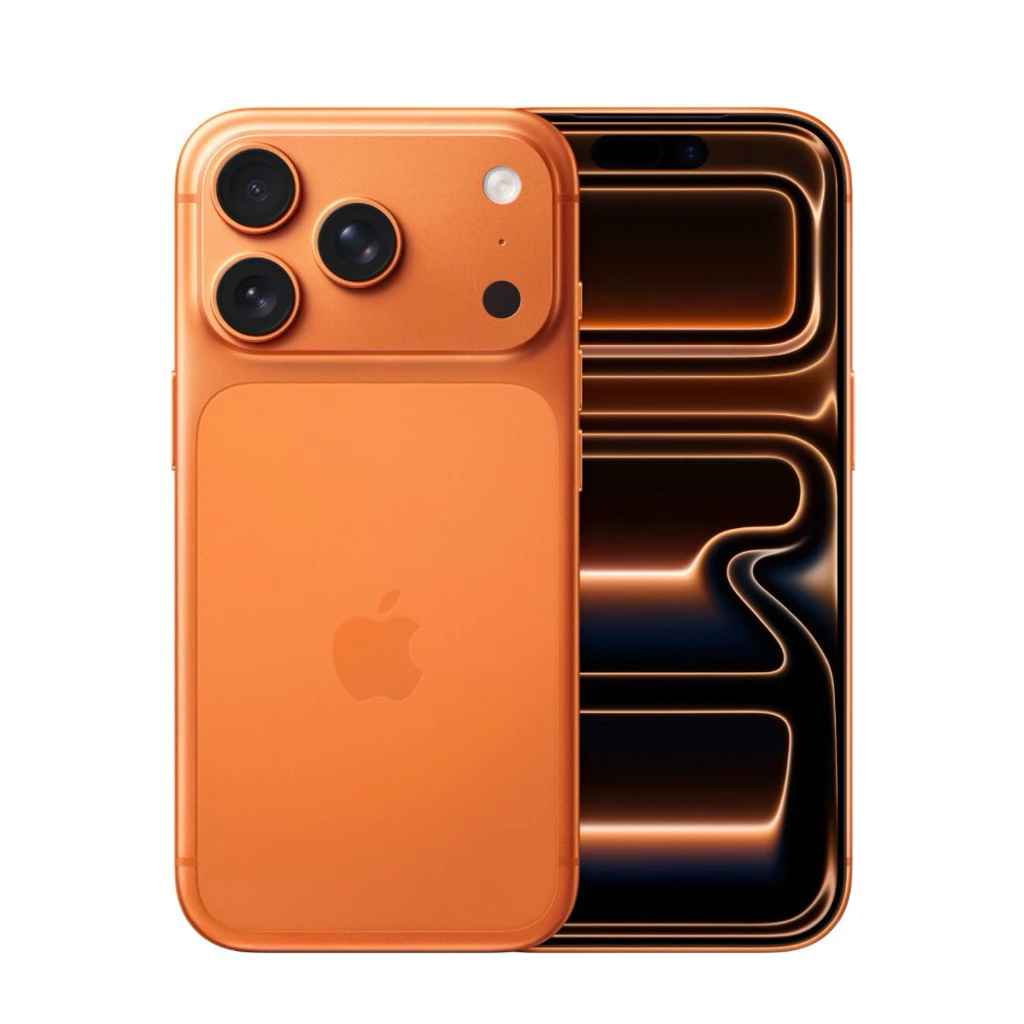
- A big visual redesign called Liquid Glass — more translucency, glass-like effects, dynamic shadows & refraction effects in UI elements.
- Stronger integration of “Apple Intelligence” — more features using on-device AI, live translation, visual intelligence (recognizing what’s on screen & suggesting actions), smarter assistant features.
- Improvements in Phone, Messages, CarPlay, Maps, Wallet, etc. More tools to reduce spam/unwanted calls, polling in messages, better notification and widget behavior.
- Battery / power improvements: a new Adaptive Power mode that tries to conserve battery intelligently, perhaps by reducing brightness, delaying tasks, etc.
- Privacy/security enhancements: e.g. a permission framework for accessories when locked; quantum-secure TLS; better handling of blocked contacts; “Recovery Assistant” for device recovery if it fails to boot.
Advantages (What’s good)
Here are what many users will like about iOS 26:
- Fresh, modern UI
The Liquid Glass design gives a refreshing look, especially if you’ve been using recent iOS versions for many years. It adds more depth and visual polish. - Better personalization
More customization on lock screens, home screens, widgets, icons; they’ve given tools to tweak appearance (transparency, icon tinting, etc.). - More useful AI / intelligence features
- Live translations in Messages / Calls / FaceTime help if you speak multiple languages.
- Visual Intelligence (recognizing content on screen, screenshot + search, etc.) can make things more efficient.
- Call screening / spam reduction helps reduce nuisance calls.
- Battery / power optimization
Adaptive Power mode and other power-saving measures likely help older devices get better longevity. - Improved ecosystem and feature consistency
The update tries to unify design & behavior across apps and devices; things like CarPlay, Messages, Maps get tweaks to align better. That helps with user experience cohesion. - Stronger privacy/security
New permissions, more control, possibly better cryptography (e.g. quantum-secure TLS) gives more assurance.
Disadvantages / What to watch out for (Drawbacks)
While iOS 26 brings many positives, there are also trade-offs and potential issues.
- Legibility issues & visual distractions
- The translucent / glass effects look nice, but in certain light conditions or with busy backgrounds, things may be harder to read.
- Some users complain about too much transparency or effects making the UI feel cluttered.
- Performance and battery concerns (initially)
- Whenever there’s a big OS update, background tasks (indexing, updating apps, optimizing) can cause temporary battery drain. Some reports claim iPhones lose battery faster right after updating.
- On older hardware, the new visual effects + AI features may slow things or lead to slight lag. Because some features require newer chips.
- Feature availability depends on device / chip
- Not all features (especially those tied to Apple Intelligence or AI processing) are available on older iPhones. Certain functionalities need newer hardware (e.g. Apple Intelligence-enabled device) to fully work.
- Some design effects may be toned down or optional on older devices to maintain usability.
- Risk of new bugs & stability issues
- As with all major updates, first versions may have bugs, unexpected behavior, or compatibility issues with apps.
- Also, visual glitches due to design overhaul are possible (e.g., transparency effects not rendering well).
- Learning curve / change resistance
- Users used to older designs might not like the new UI, find it less clean or prefer simpler, flatter designs.
- Adjusting to new positions of UI elements (widgets, lock screen, etc.), new features in Messages, Phone, etc., requires effort.
- Storage / update size
- OS updates often need free space, and with more graphical assets, animations, etc., the install size may be large.
- Also, some features may require further downloads or updates from apps to support new features.
Summary
If you use a relatively recent iPhone, iOS 26 can feel like a meaningful upgrade:
- More visually pleasing UI (if you like gloss, transparency, etc.)
- Useful AI-powered, translation, spam-filtering features
- Improved battery life (eventually, especially after initial setup)
But if your phone is older, or you prefer minimal designs or maximum speed & simplicity, the downsides (legibility, possible lag, feature restrictions) might matter more.